To
reach my apartment, please follow the directions shown in your Airbnb
reservation (check using app or website). Google Maps will guide you to
the exact location. If you are lost then please either call me or the
caretaker of the apartment who will help you. The contact details are
in the Safety Information email.
Once you have reached the apartment, tell the security person that you are Arun (Flat No.C5)'s guest. If you have a booking then the security person will be excpecting you anyway as they will be aware already. If you are arriving in a car, then you can park the car in the ground floor as per the instructions of the security guy.
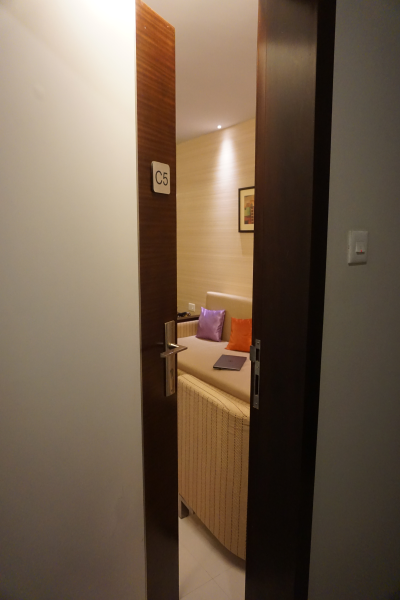
Once the ID proof collection is done, the security guy will accompany you in the lift to the apartment on the 3rd floor. They will open the door for you:
They will enter and switch on the power using the MCB switch inside (near the door):
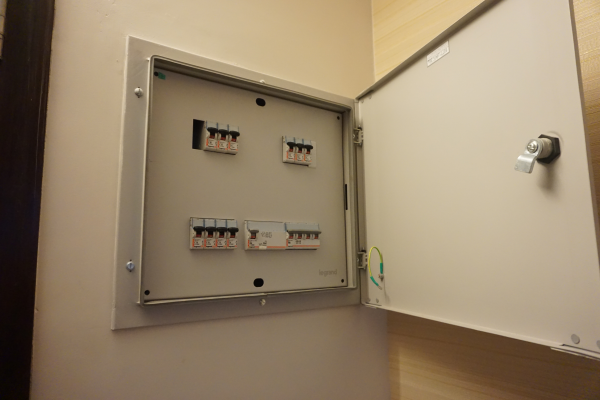
They will close the MCB board and will leave.
Now I willl take you on a virtual tour here so that you can get used to the apartment! The other intention of this virtual tour is to give you an idea of how to arrange things back at the time of check-out so that everything will be in place for the next guest
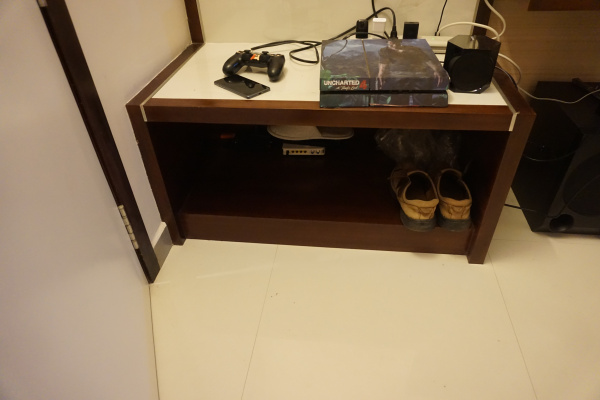
Right below the MCB board you can see the shoe rack where you can keep your shoes:
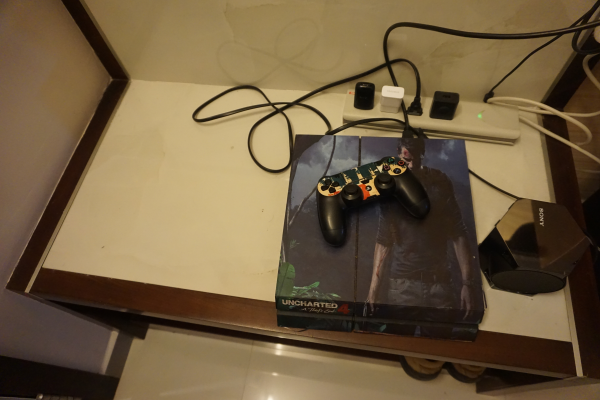
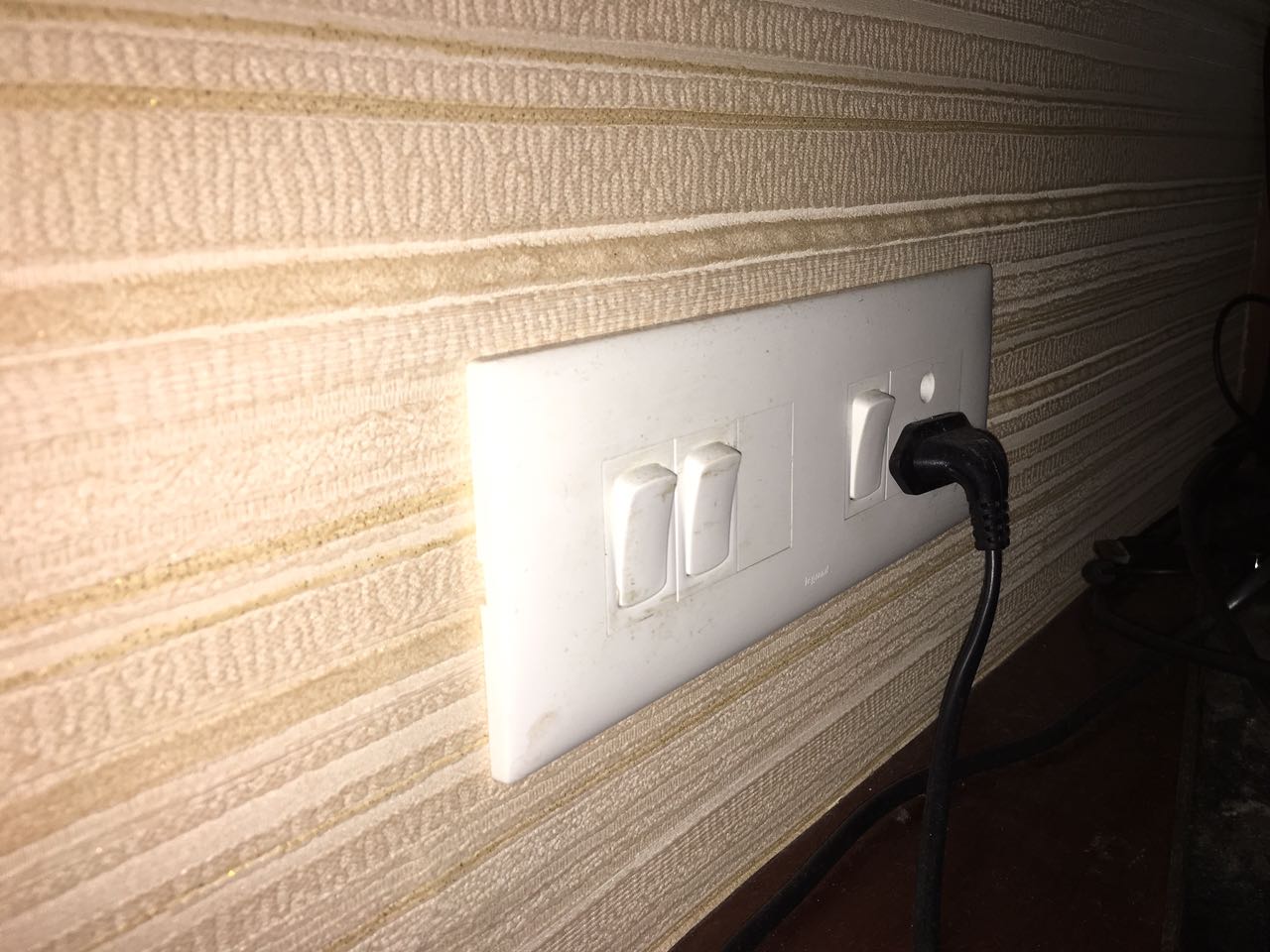
Right on top of the shoe rack you can see the plug adapter (for TV and other equipments) and the PS4 with its controller:
The main switch for the plug adapter and the TV's plug is behind the TV
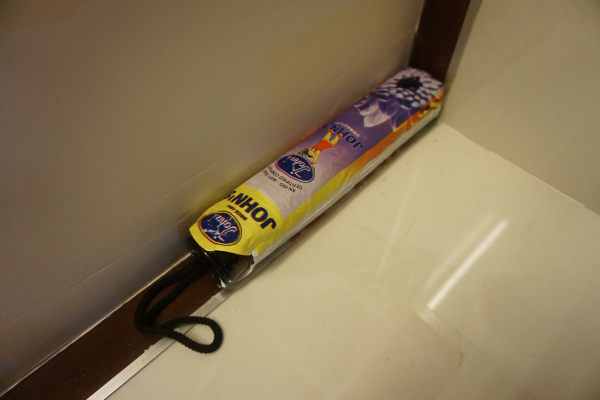
I have kept an umbrella on the shoe rack which you can use if you need:
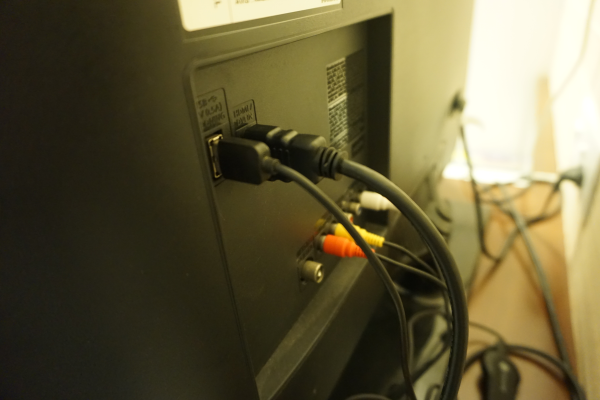
The TV will be connected to the Cable TV HD set top box using a HDMI cable:
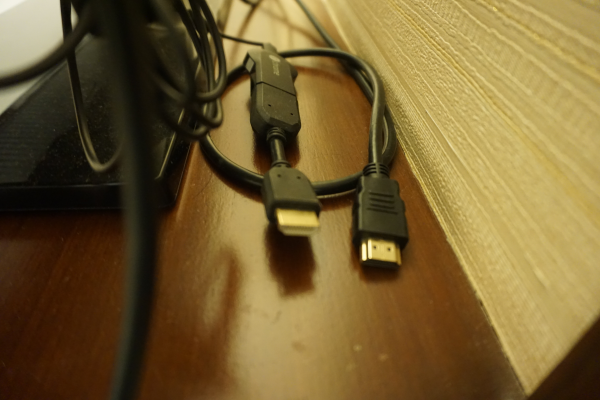
If you wish to use the PS4 or the Chromecast, then you will find its HDMI plugs right below the TV which you need to connect after removing whichever HDMI is currently connected:
The remote for the TV (Samsung), Home Theater System (Sony) and Cable TV set-top-box (DEN) will be found on the small table in front of the sofa. The Air Conditioner Remote will also be kept here.
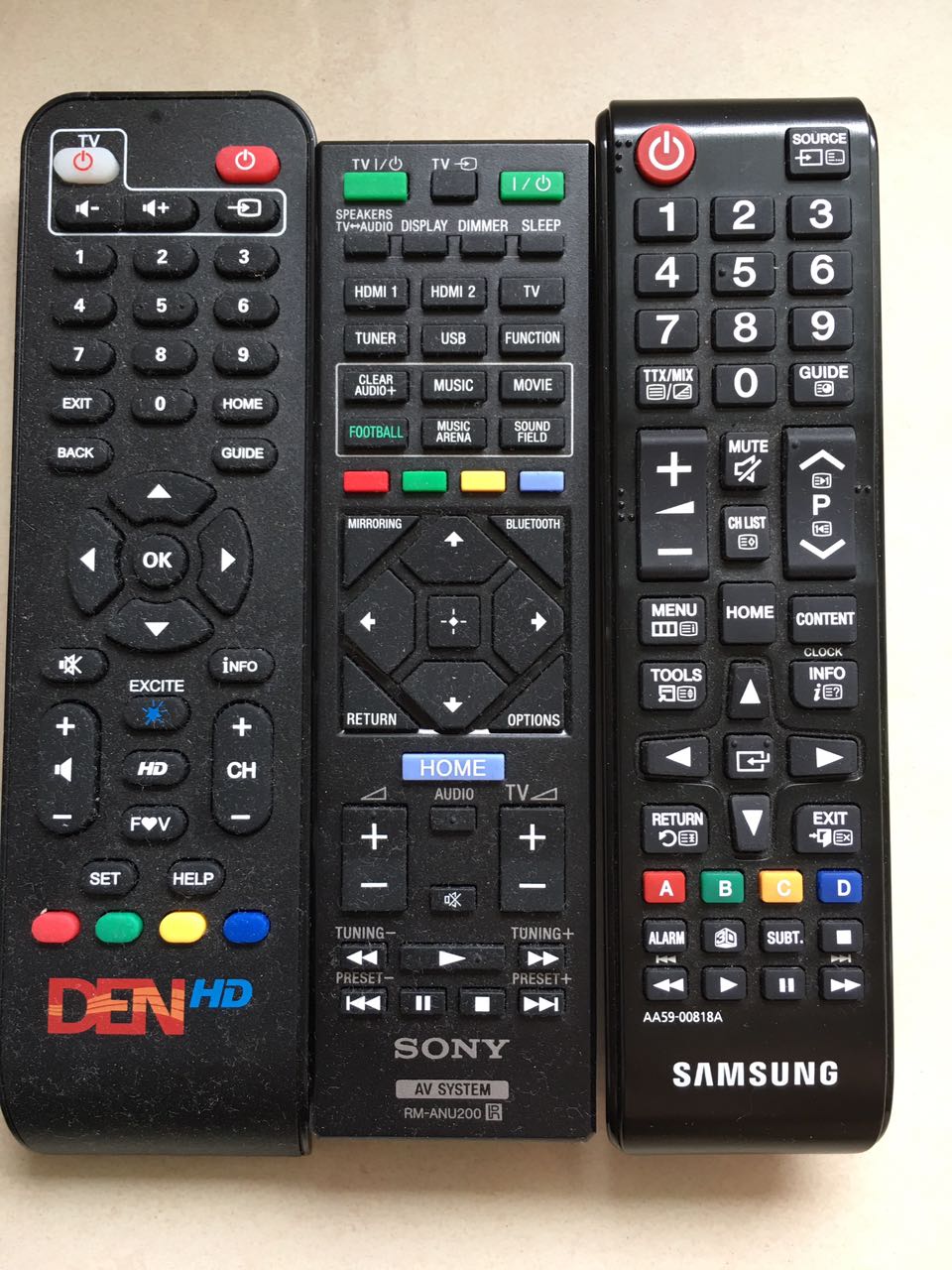
To connect the Home Theater System to your smartphone, press the Bluetooth button in the Sony remote after enabling Bluetooth in your phone. Your phone will show up the unit as HT-IV300. Connect to it and it should be paired up in a minute. You can then play music through your smartphone. To connect the PS4 audio, press the TV button in the Sony remote:
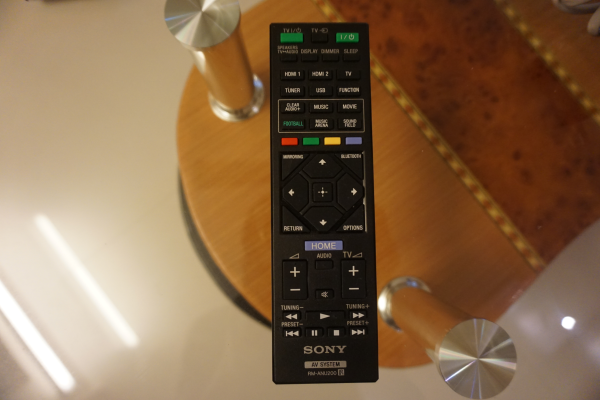
The main switch for the AC in the living room is near the dining table on the wall near the bedroom room. It is a main switch and so you have to apply force to switch it on. The AC remote can be used after that to switch the AC on:
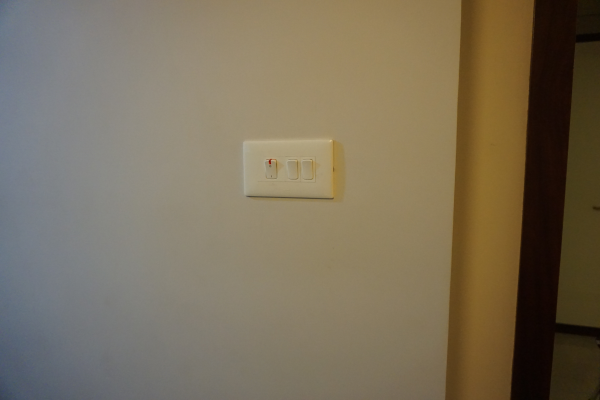
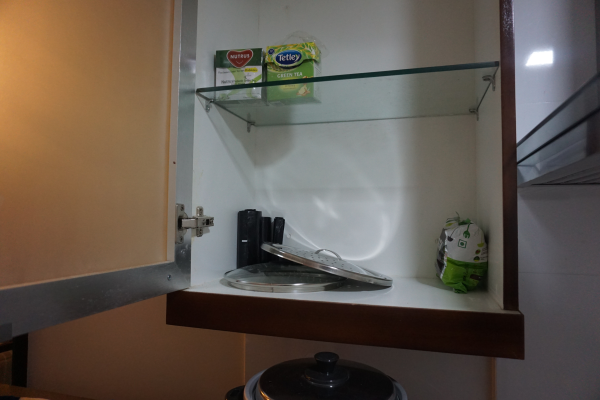
Please feel free to open various cupboards in the kitchen to see where various items are placed. Here are some of them:
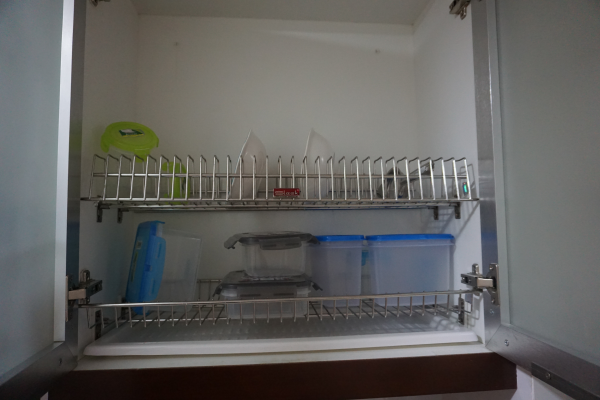
Cutleries:
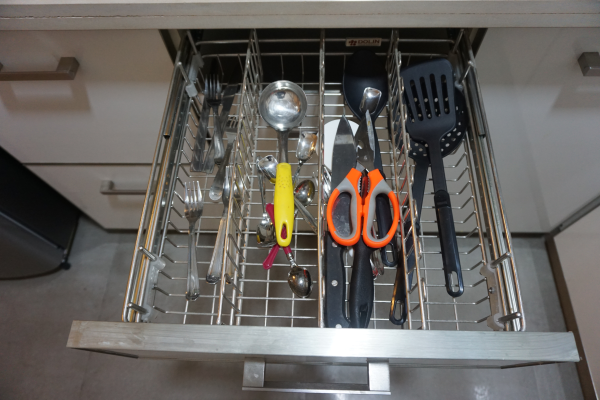
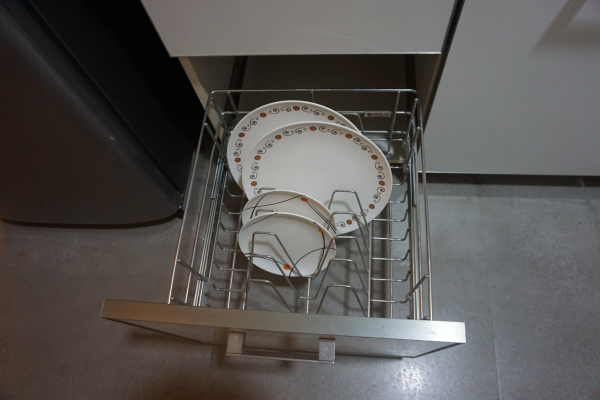
Plates:
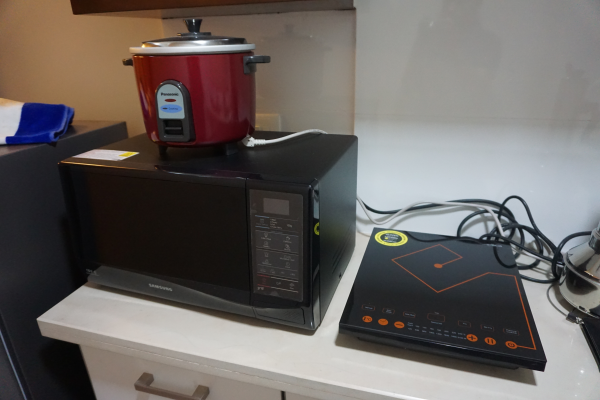
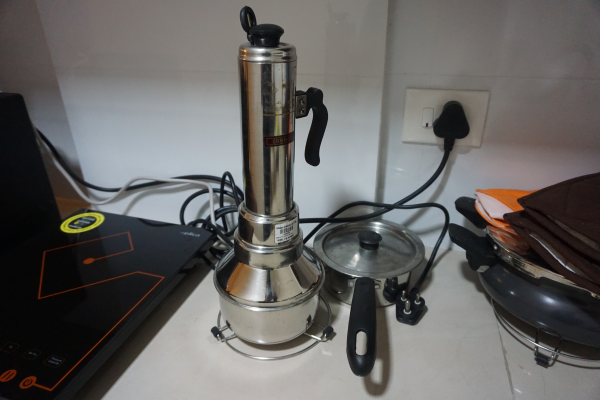
Induction cooker, Rice cooker, Mircowave:
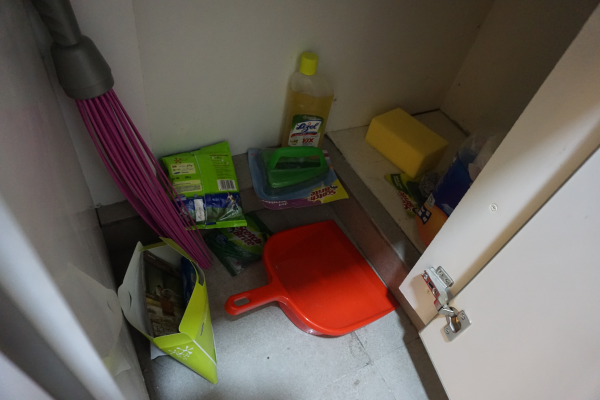
Cleaning stuff is kept here at the bottom cupboard:
The plastic garbage cover roll is kept here. When emptying the garbage bag from the dust bin, please replace with a new one from this roll:
Once this roll is used up, you can find more rolls kepts in the cupboard in the bedroom.
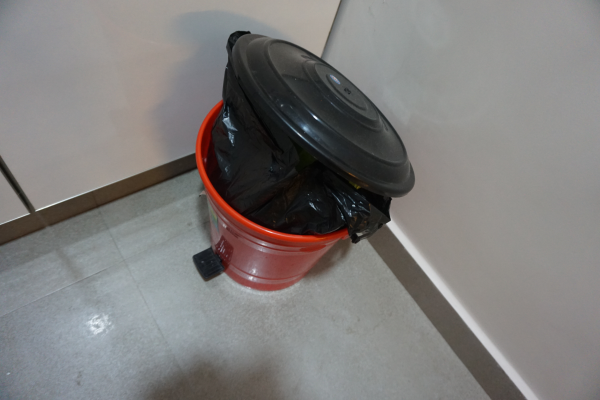
Please make sure to clear the garbage cover in the kitchen everyday as there is chance for ants to mess up things. The garbage bag has to be taken to the ground floor and the security guy will tell you where to place it:
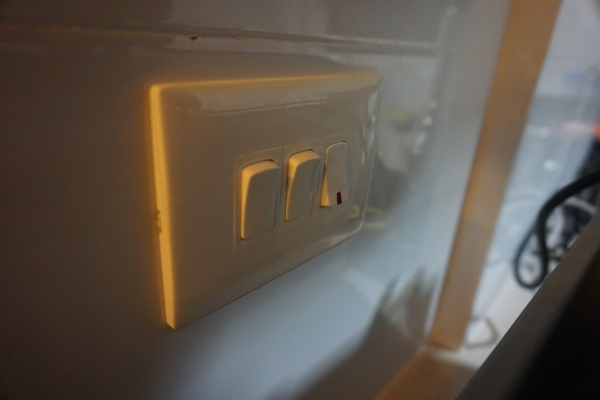
The switch for refrigerator and chimney can be found behind the microwave:
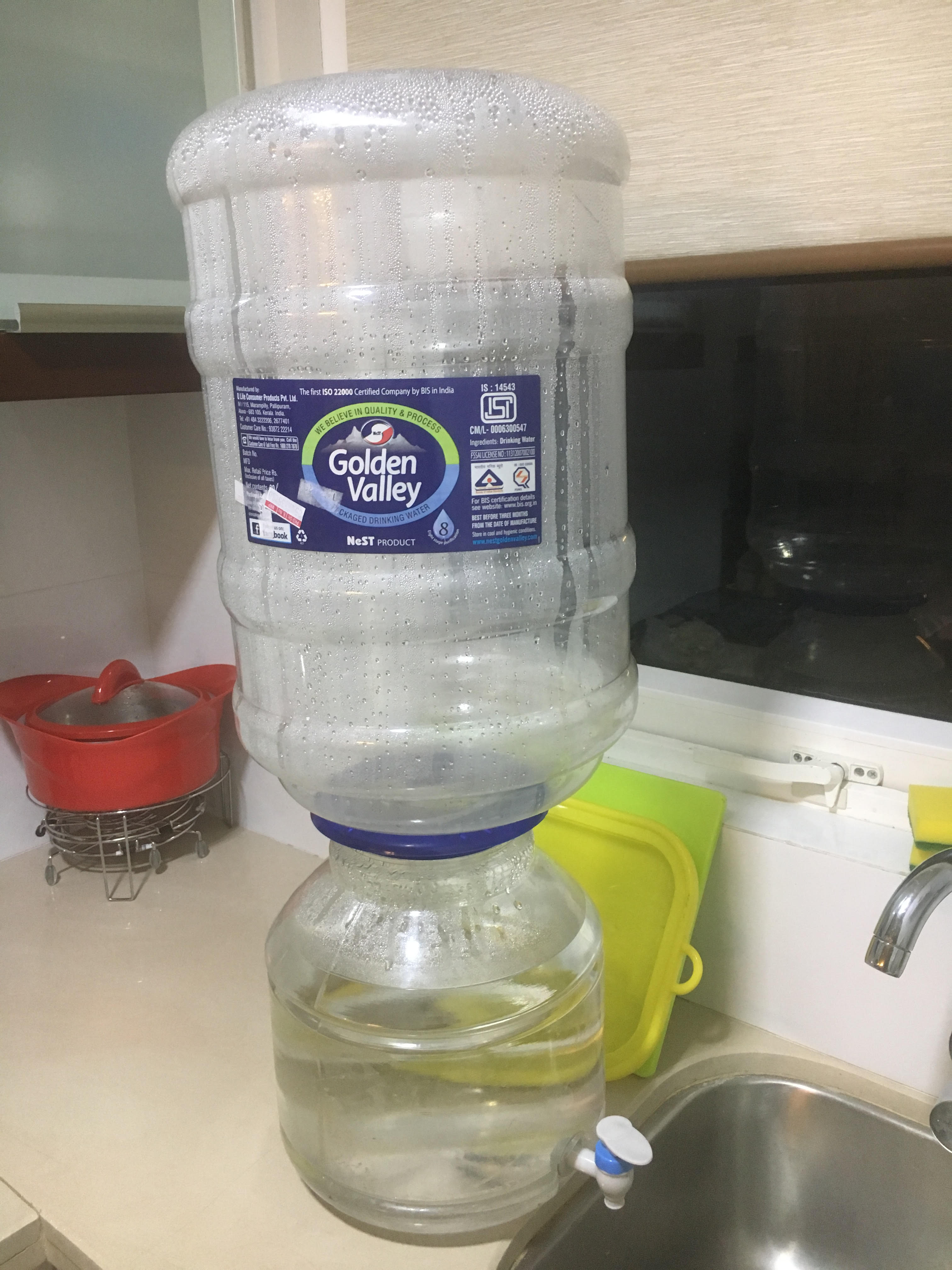
A water dispenser with purified water is kept in the kitchen near the sink. The water dispenser is refillable and costs Rs.50 per refil which you can get from the security guys or just call the caretaker to bring one.
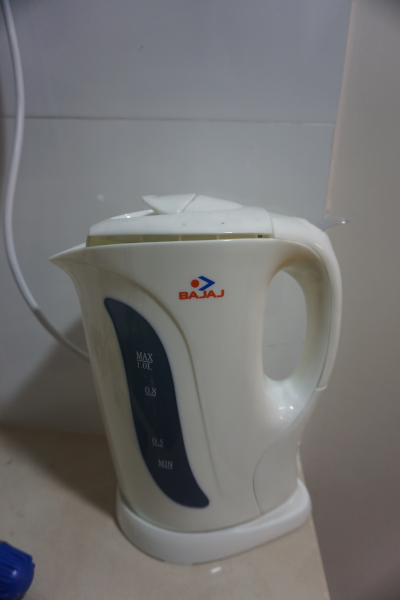
A water boiler is kept near the sink. This can be used for boiling water to make tea or coffee. Press the transparent switch on the side after switching on the power. It will automatically switch off in a few minutes when the water is boiled:
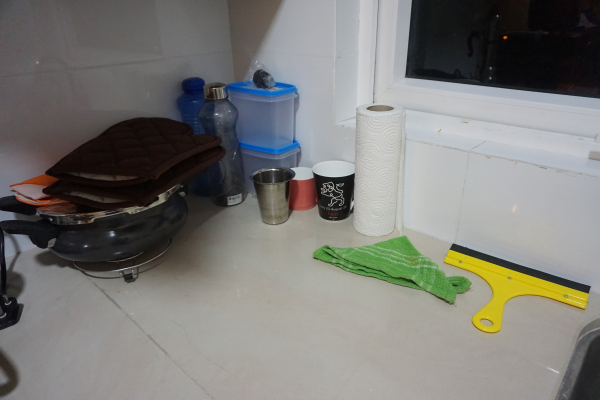
Hot gloves and plastic washing gloves are also kept near the sink:
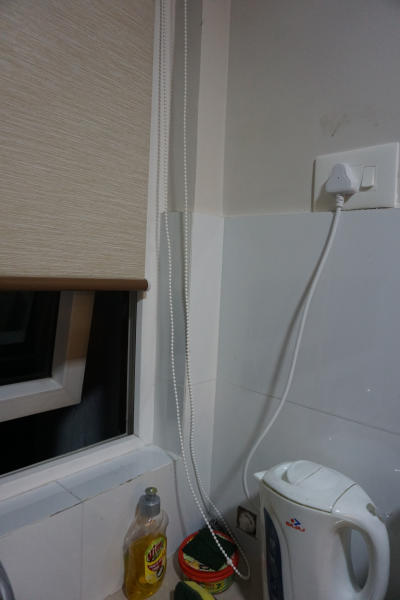
The window in the kitchen has a roll-up blinder and you can open it. Please make sure not to open the window if the Air Conditioner is switched ON:
The main switch for the Air Conditioner in the bedroom can be found near the mirror:
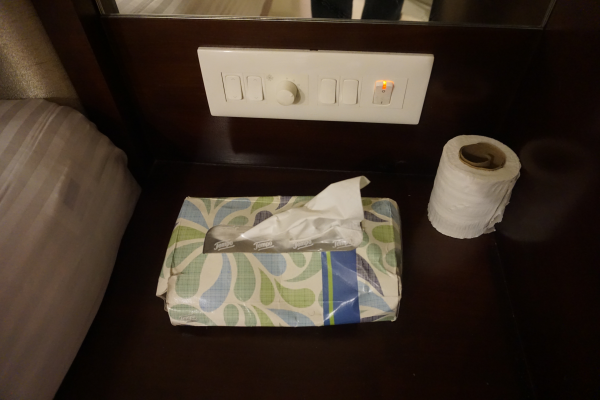
The AC remote will be kept near the modem stand beside the desk in the bedroom.
A landphone is available on the desk using which you can make limited local phone calls:
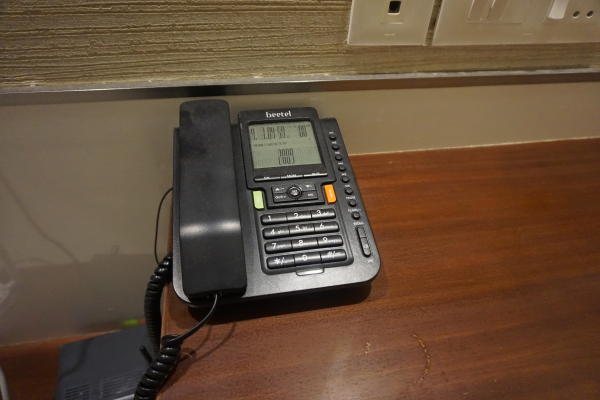
Ironing machine, Hair dryer, air freshner and few other utilitiies like spare toiletories are kept in the cupboard in the bedroom:
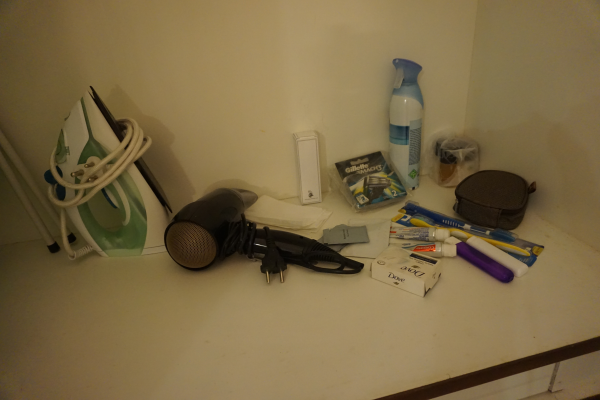
Toilet paper rolls, napkins and garbage cover roll stock are also kept in the bedroom cupboard:
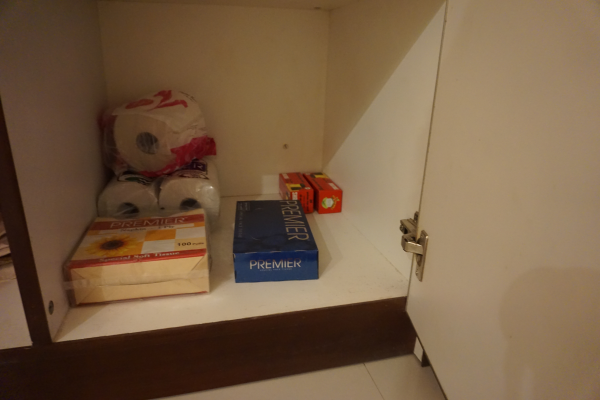
An additional comforter and bed sheet is also kept in the bedroom cupboard which you can use if required:
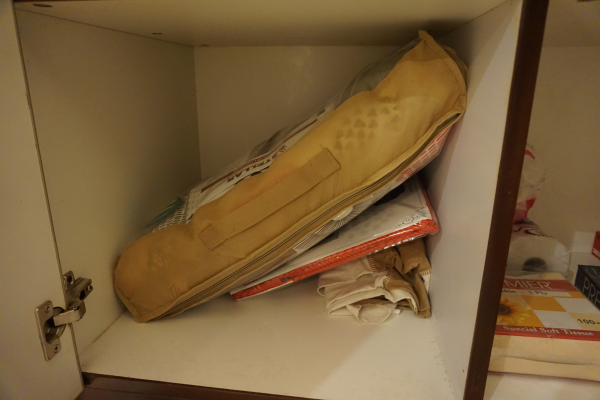
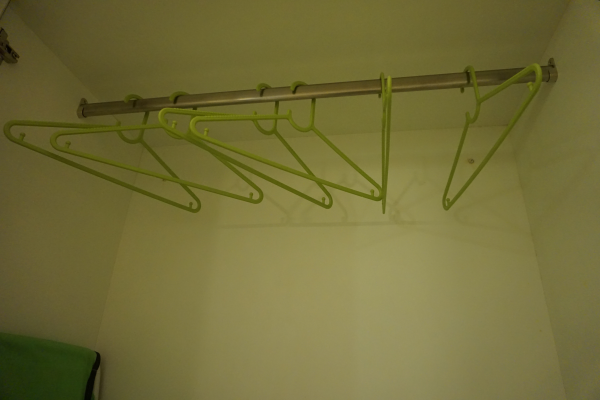
Cloth hangers can be found in the bedroom cupboard:
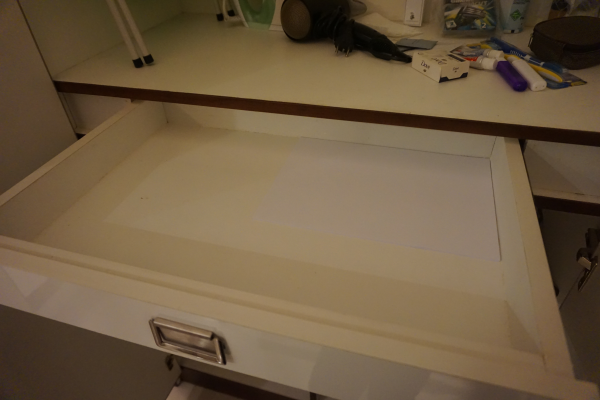
A4 size sheet paper is also kept in the bedroom cupboard drawer:
Modems are kept beside the desk in the bedroom:
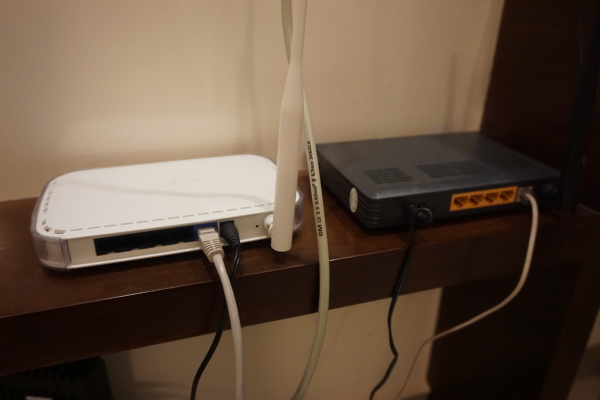
The black wireless router is for AirTel and the white router is for Asianet. AirTel (4 mbps unlimited) will be the default connection that you have to use. In case you need a higher speed connection for temporary purpose or if AirTel is not working then you can use Asianet. Password for both WiFi routers can be found in your Airbnb reservation (check using app or website). By default only AirTel will be connected to power (in the UPS below); so if you want to switch on Asianet then you have to plug in the Asianet router and modem to the UPS.
The UPS will be switched off when you check-in; so you need to switch it on to use WiFi.
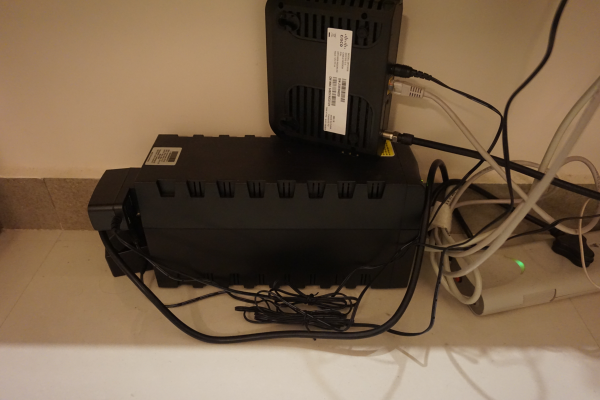
(The black modem kept on top of the UPS is the Asianet modem)
A printer + scanner + copier device is kept in the bedroom for your use. It is wireless and so you can connect your laptop or smartphone to it easily through the AirTel WiFi connection. Search for wireless printers in your PC/smartphone after switching it on and it should show up as HP. The device will be kept below.
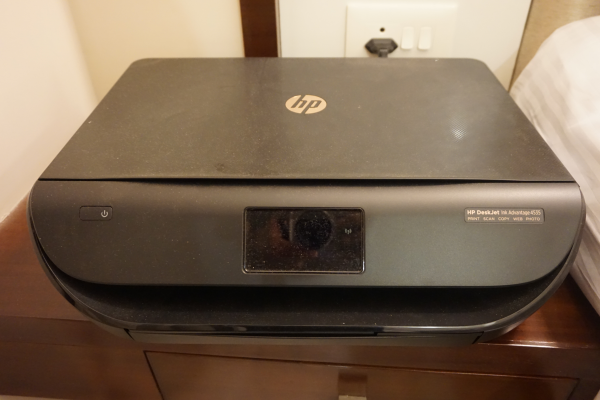
Note how the tray opens to place paper:
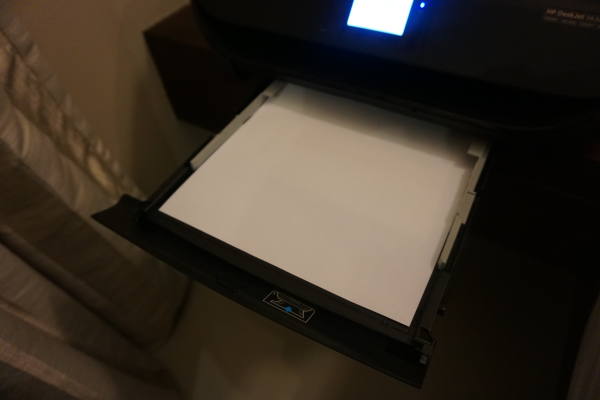
Note: You can take and keep the device on top of the stand if you want, but please make sure that you do not keep the device on its wire as it can jam the printer tray underneath:
The tap in the bathroom which is connected to both the shower and tap has 24/7 hot water supply. For hot water turn to the left side:
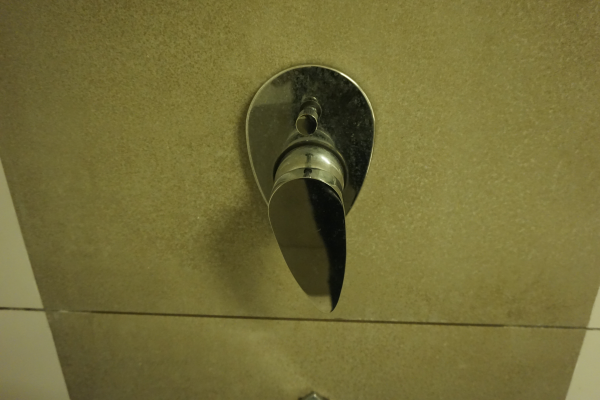
CAUTION: Please note that it may take up to 2 minutes for hot water to start flowing; so please do not turn completely to the left side as it can get extremely hot when the hot water starts. A little turn to the left is usually enough for hot water though you may need to wait for a couple of minutes.
Instructions for using the washing machine:
The washing machine is kept in the balcony:
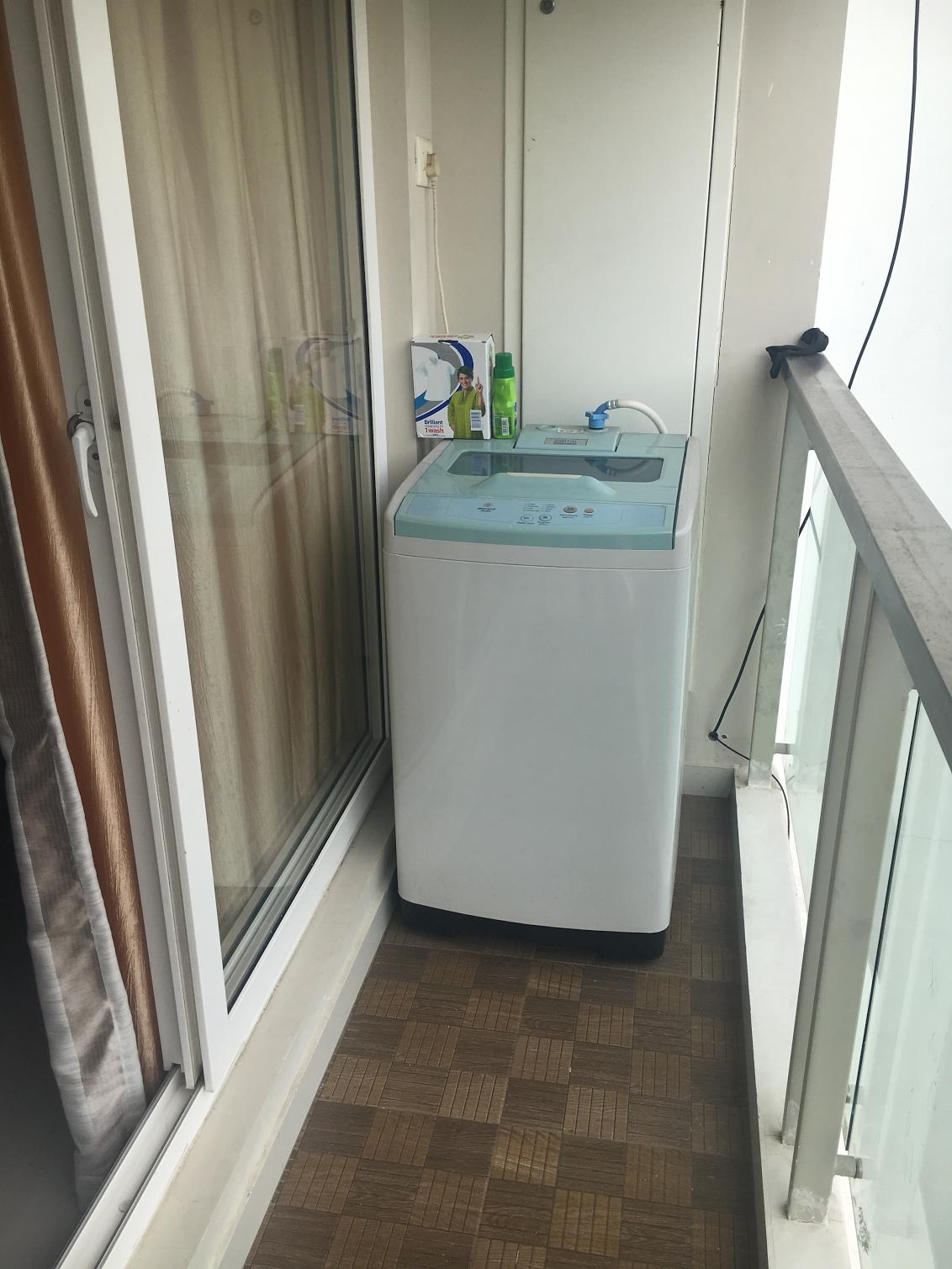
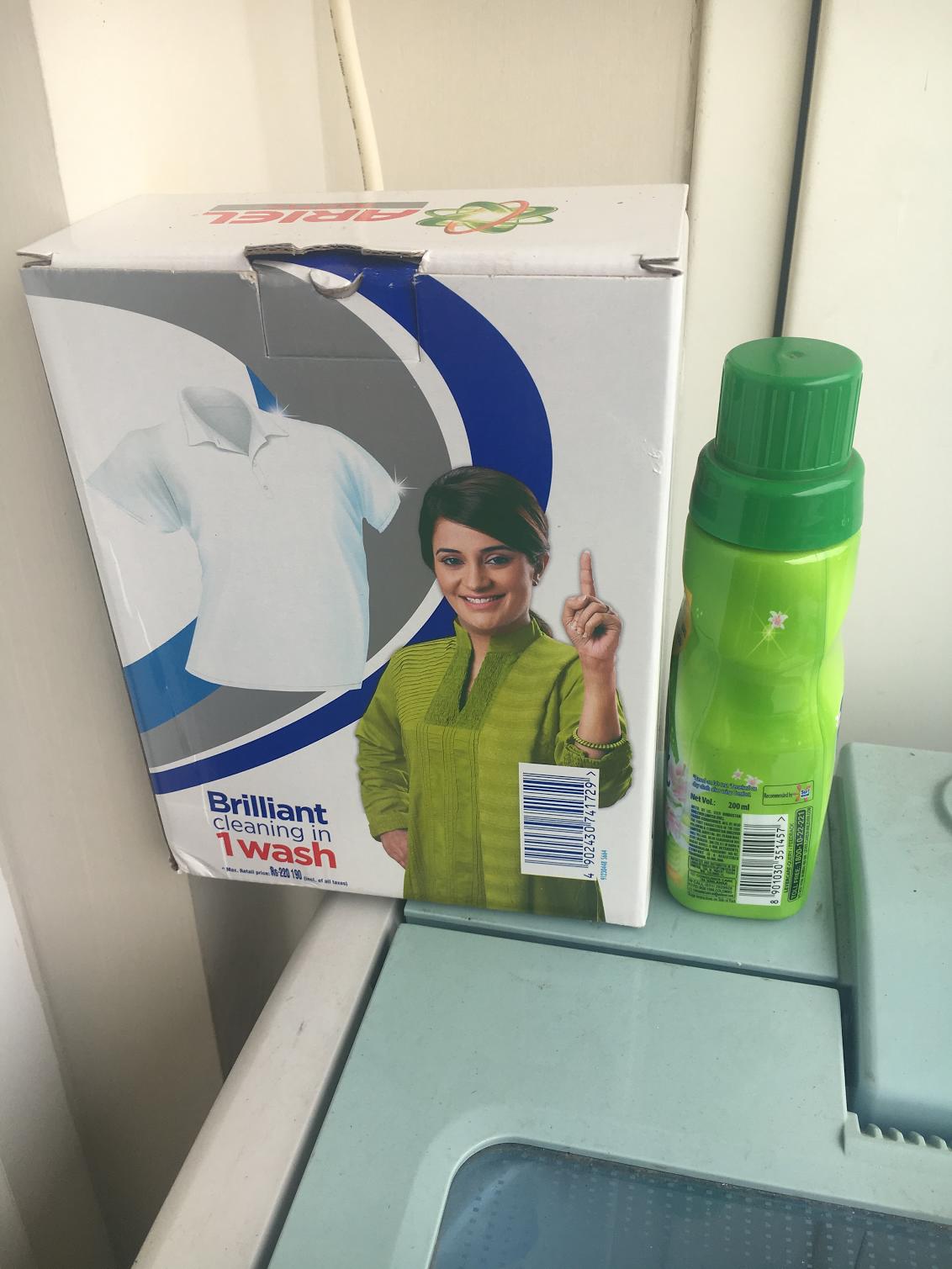
The detergent and softner should be kept on top of the washing machine. If it's not there then please check inside the bedroom wardrobe:
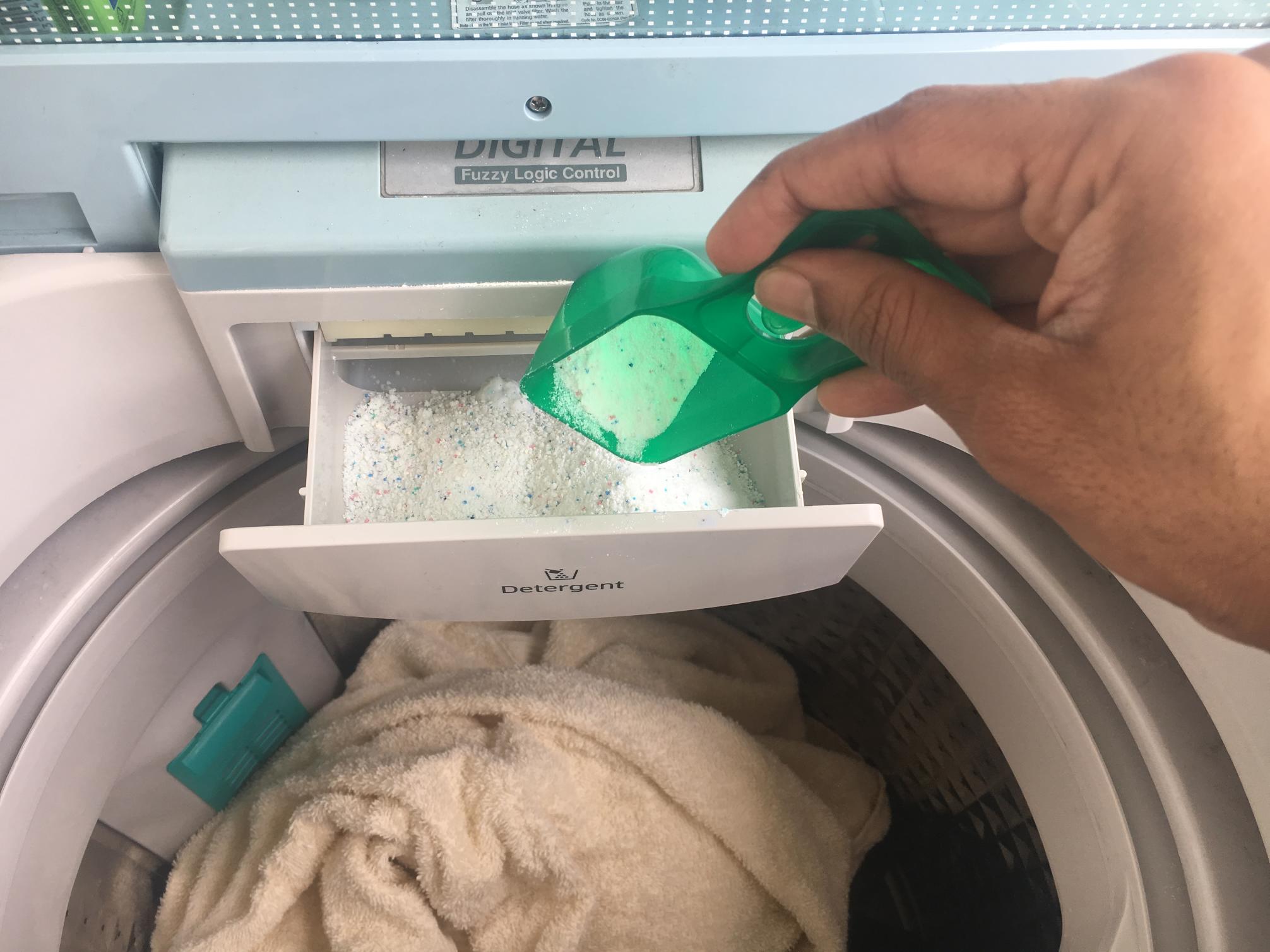
After loading the cloths inside the washing machine, open the detergent tray and put the detergent in it:
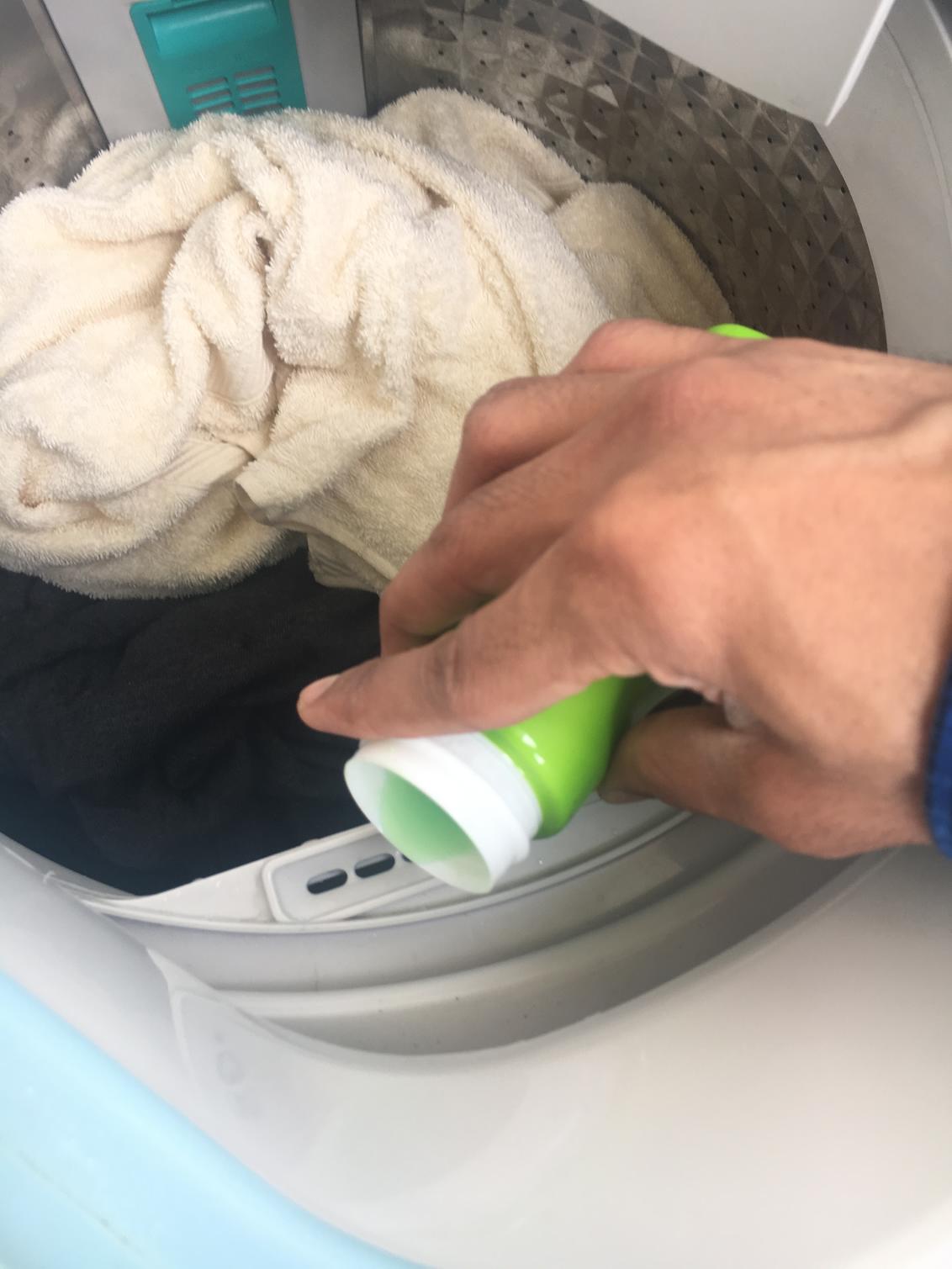
Pour softener inside the softener vent:
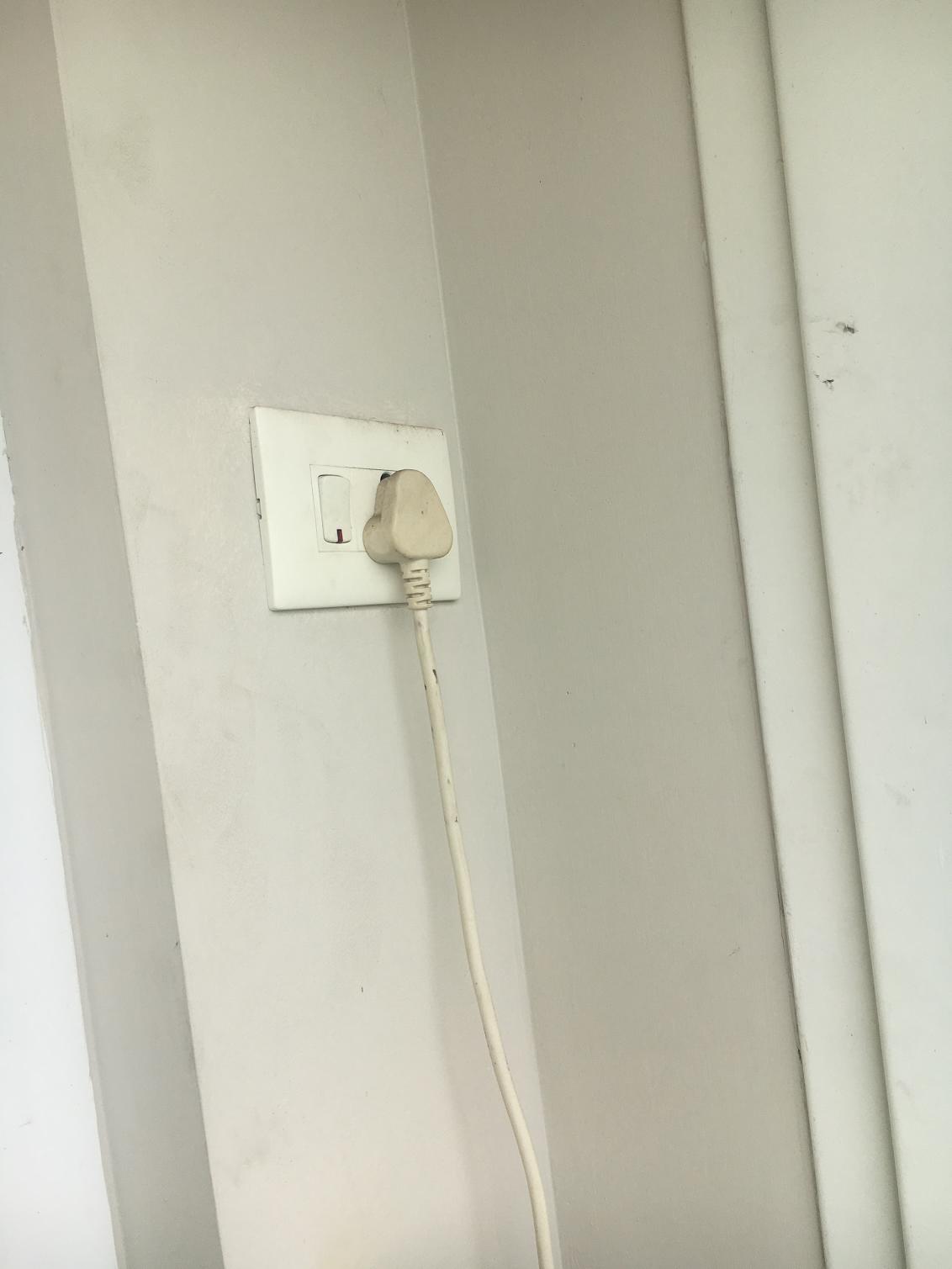
Switch on the power plug on the wall:
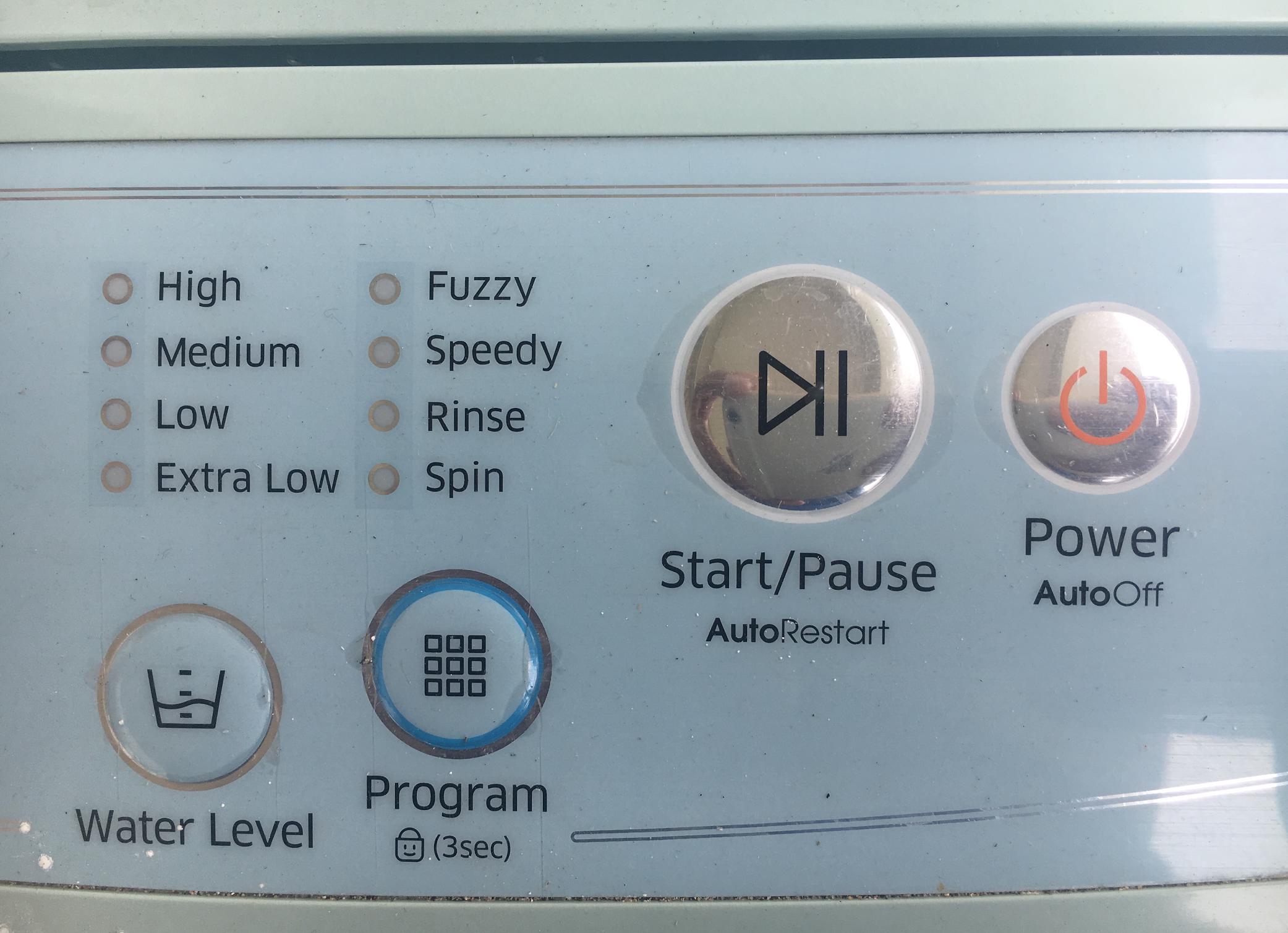
Close the washing machine's main lid and then press the Power button and you will hear a tune:
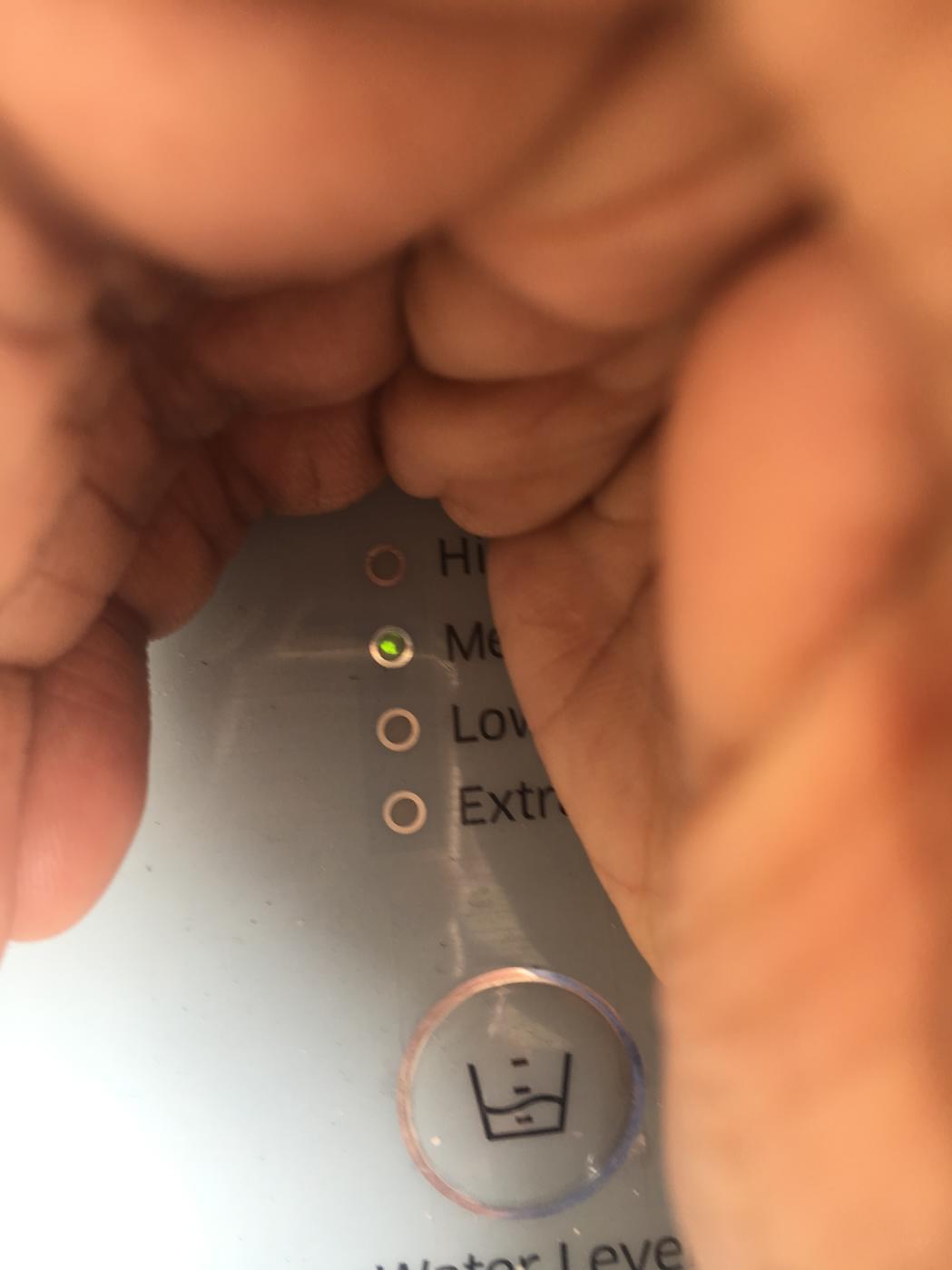
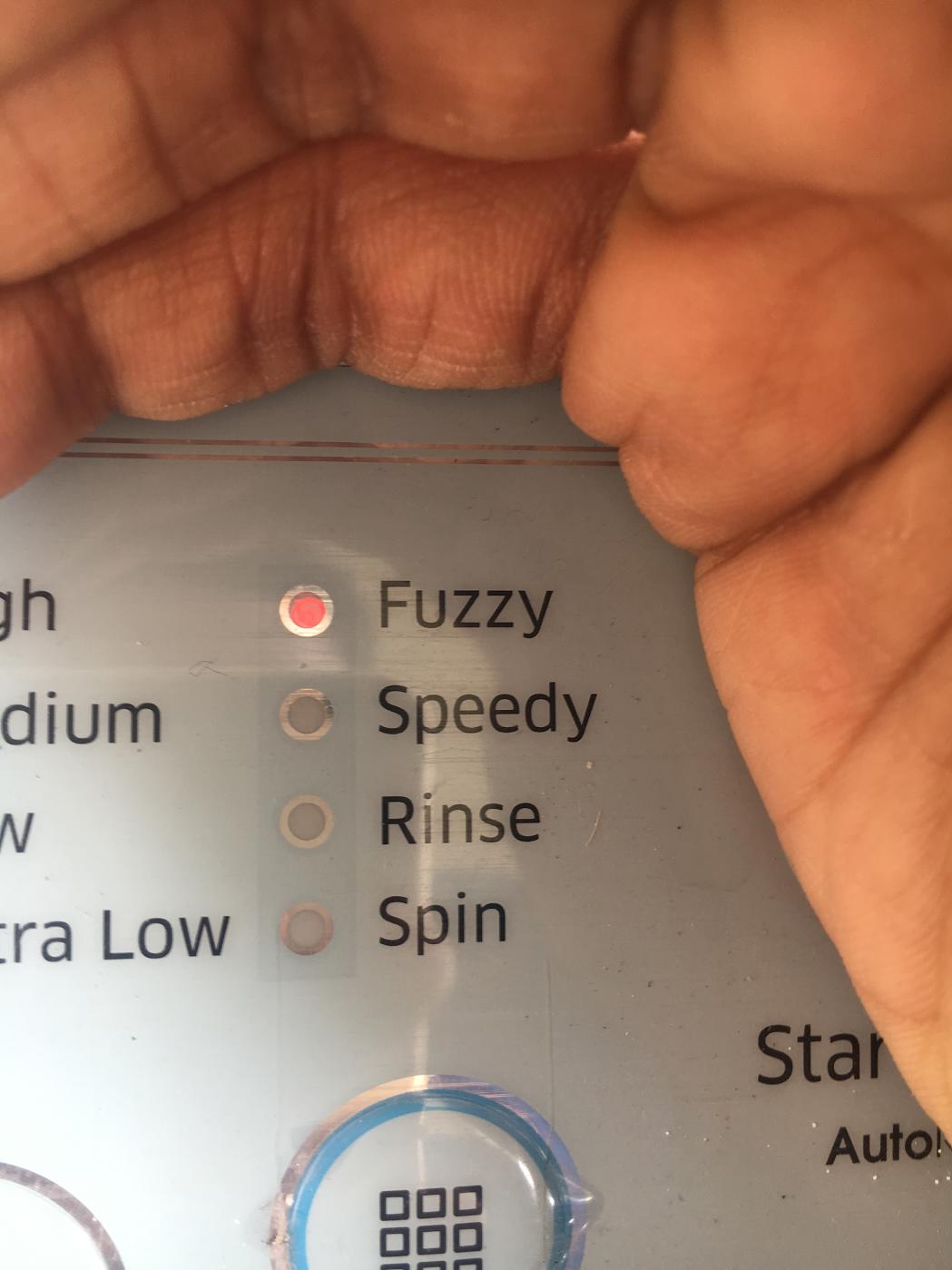
You can select the Water Level and Program if you want OR leave the default (Medium, Fuzzy). You have to look closely as it's indicator lights are faint:
Now just press the "Start" button and leave it alone as its automatic washing machine. It can take an hour or two and there will be a tune when it ends.
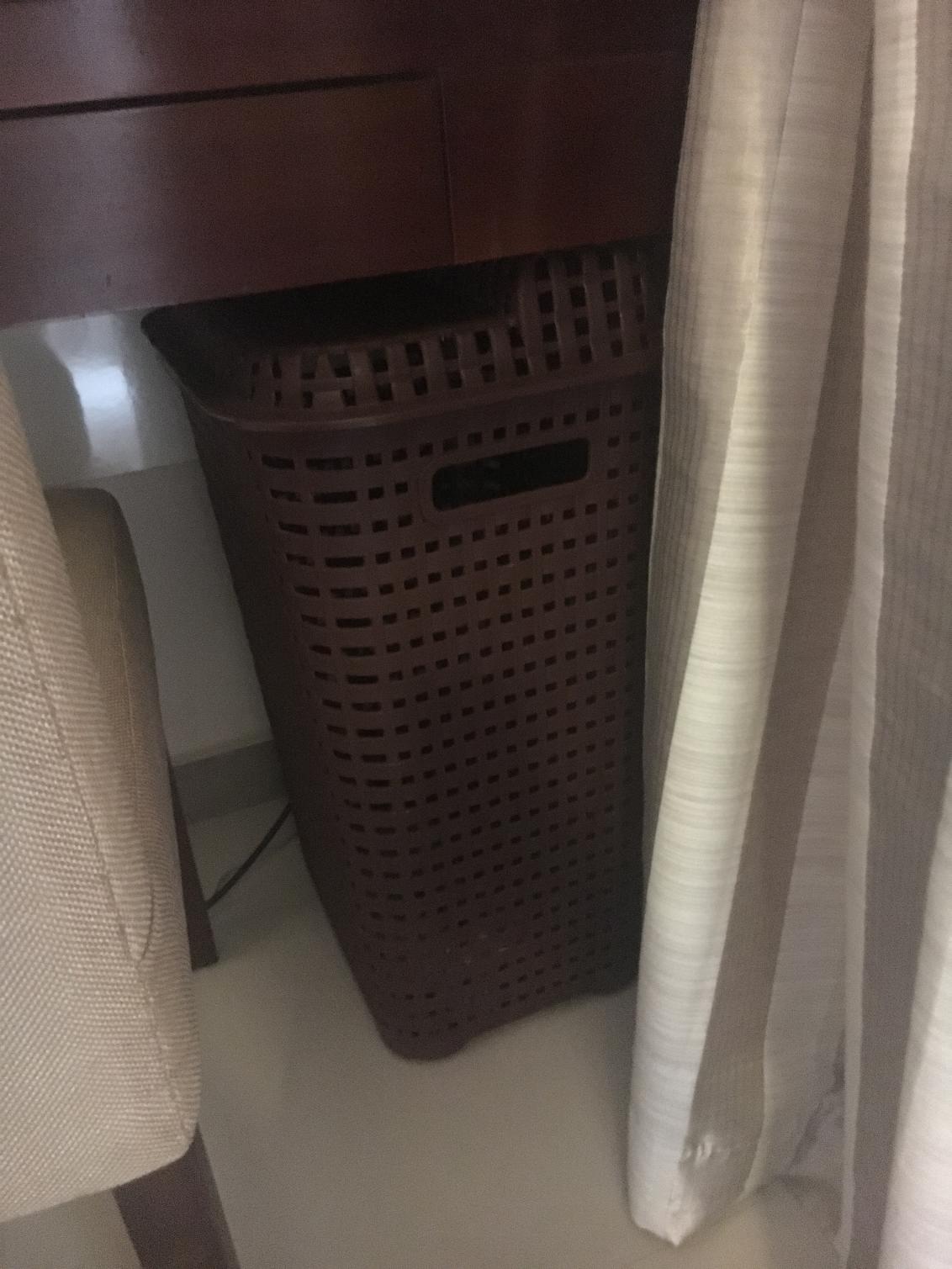
Please note that the washing machine will dry up to 75%. So you have to hang dry the cloths on the terrace upstairs. I have kept a laundry basket beneath the desk in the bedroom in which you can put the cloths and carry upstairs for hanging them:
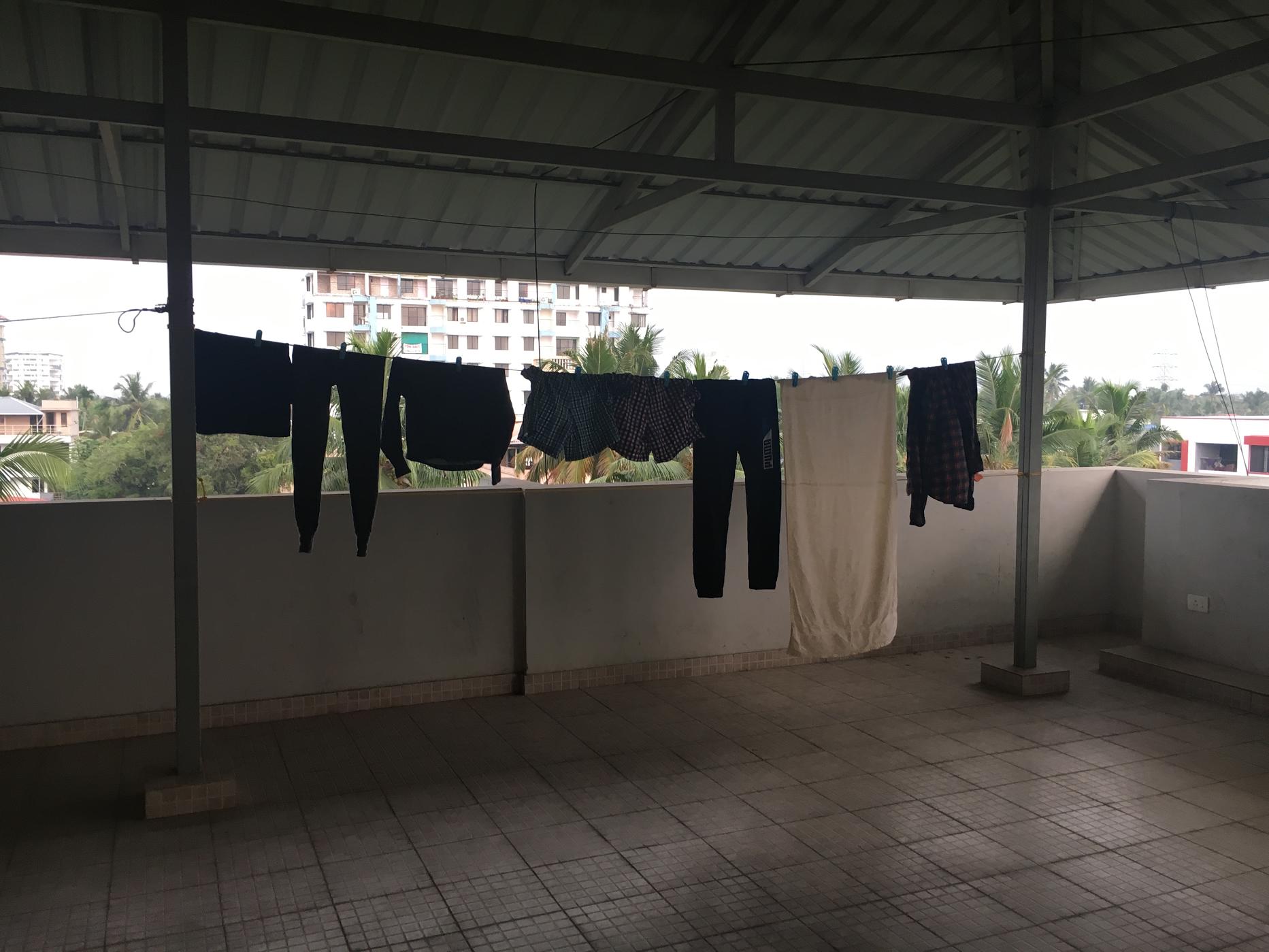
You can hang your cloths on the terrace at the corner which is right above my apartment:
Clips for hanging your cloths will be in the laundry basket. Please keep all clips back in the basket when you take back the cloths. You can keep the basket upstairs after hanging your cloths and take it when you take back the cloths.
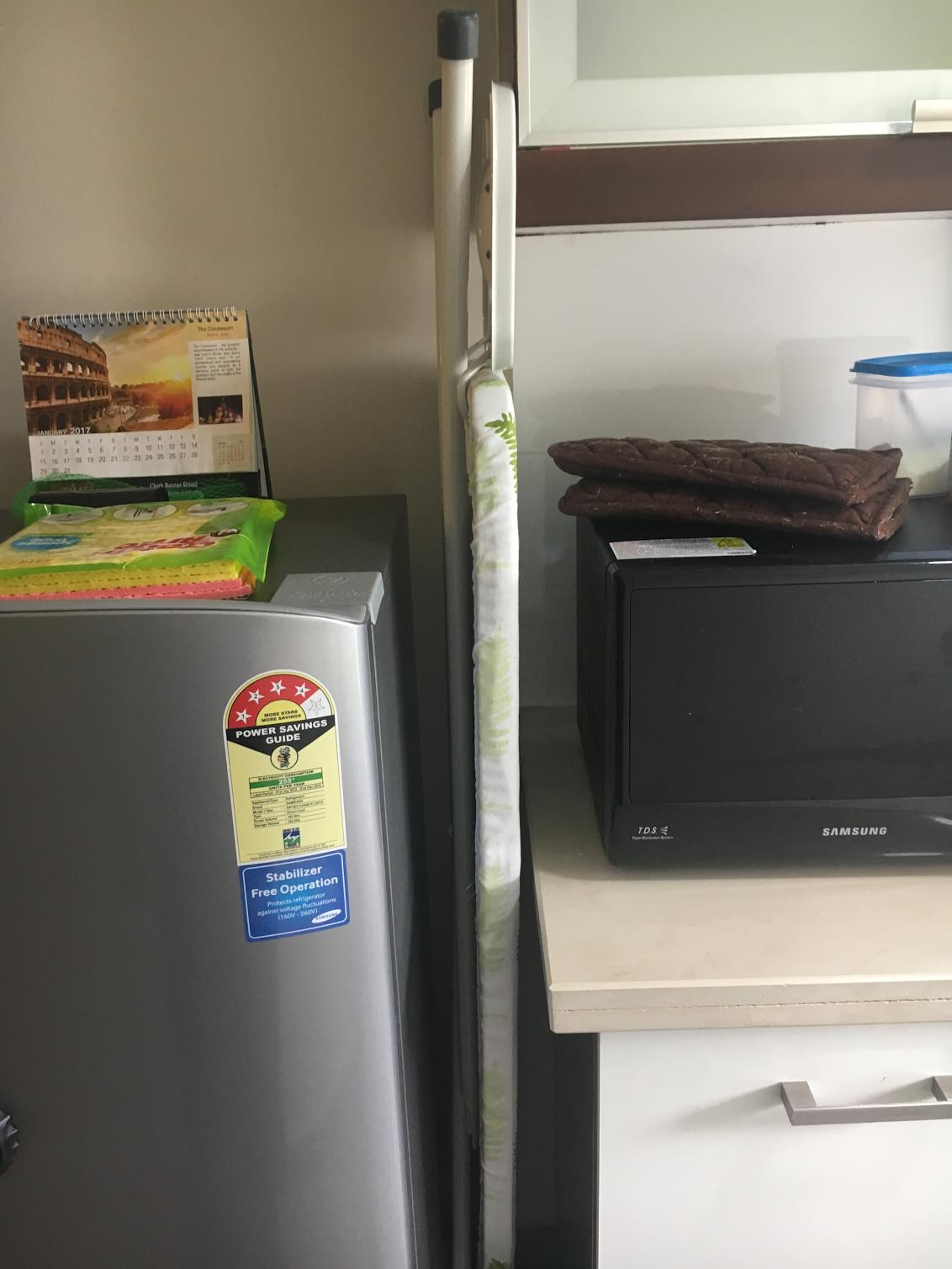
The foldable ironing table is kept between the refrigerator:
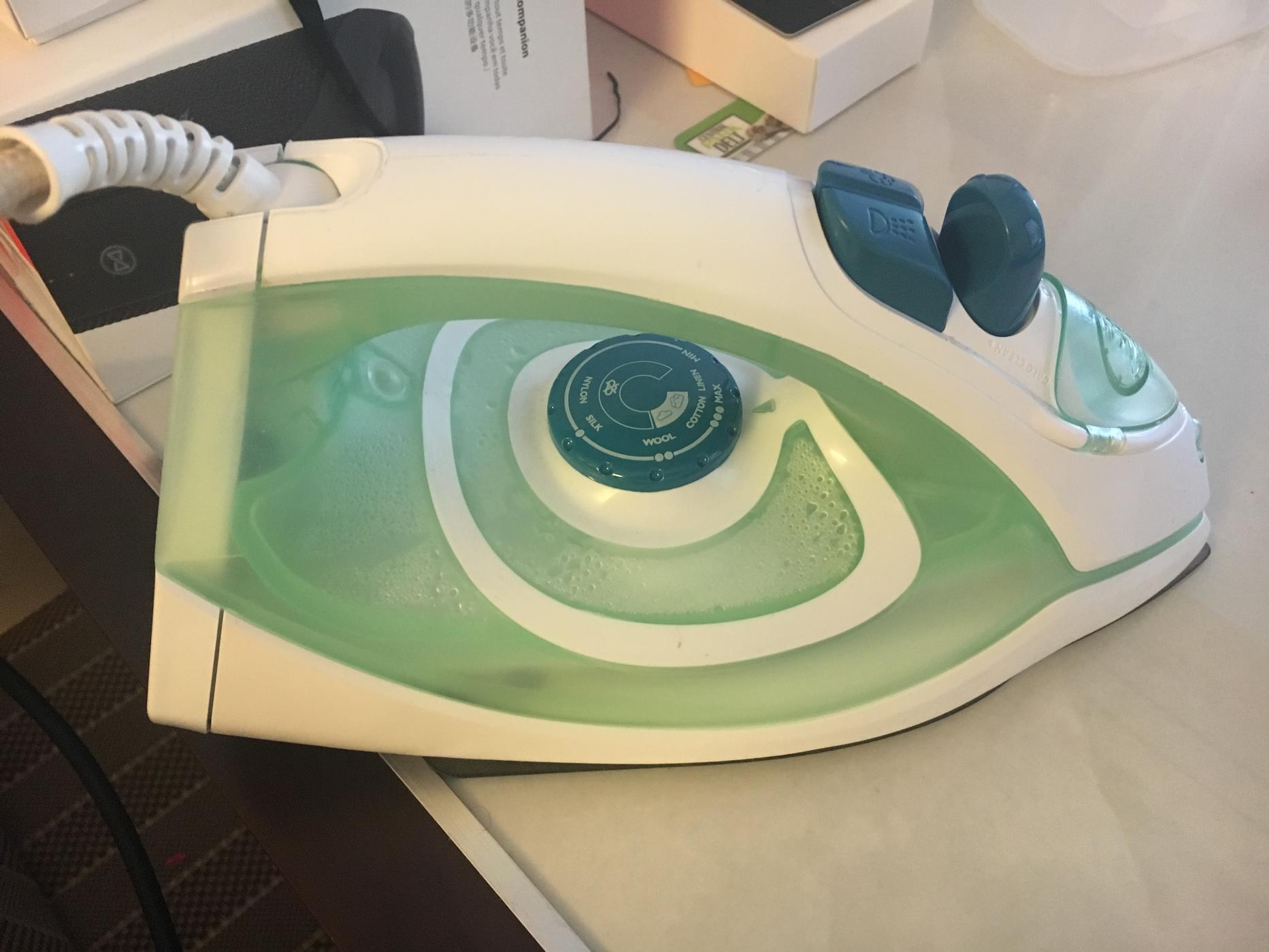
Ironing machine will be kept in the bedroom wardrobe:
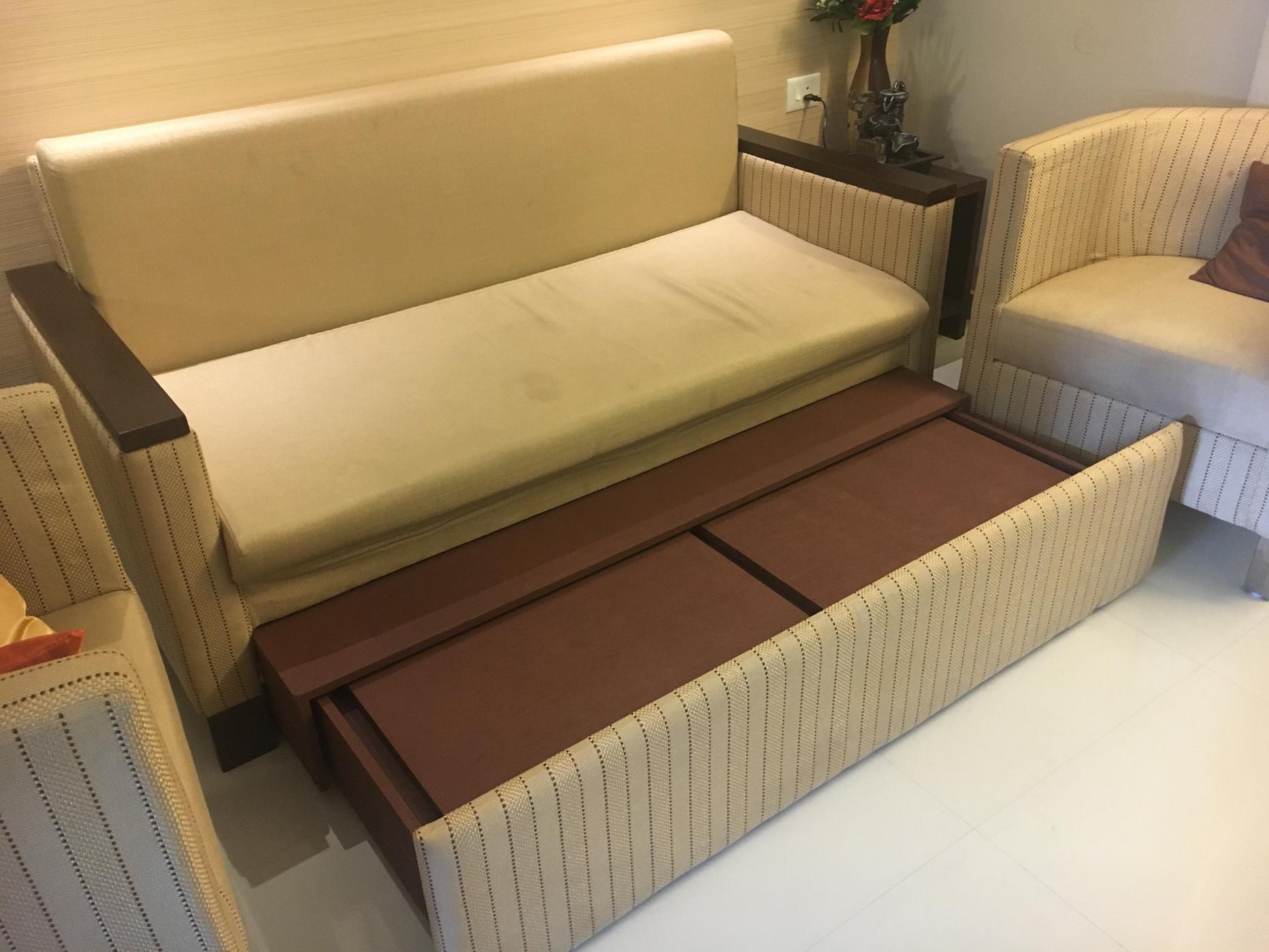
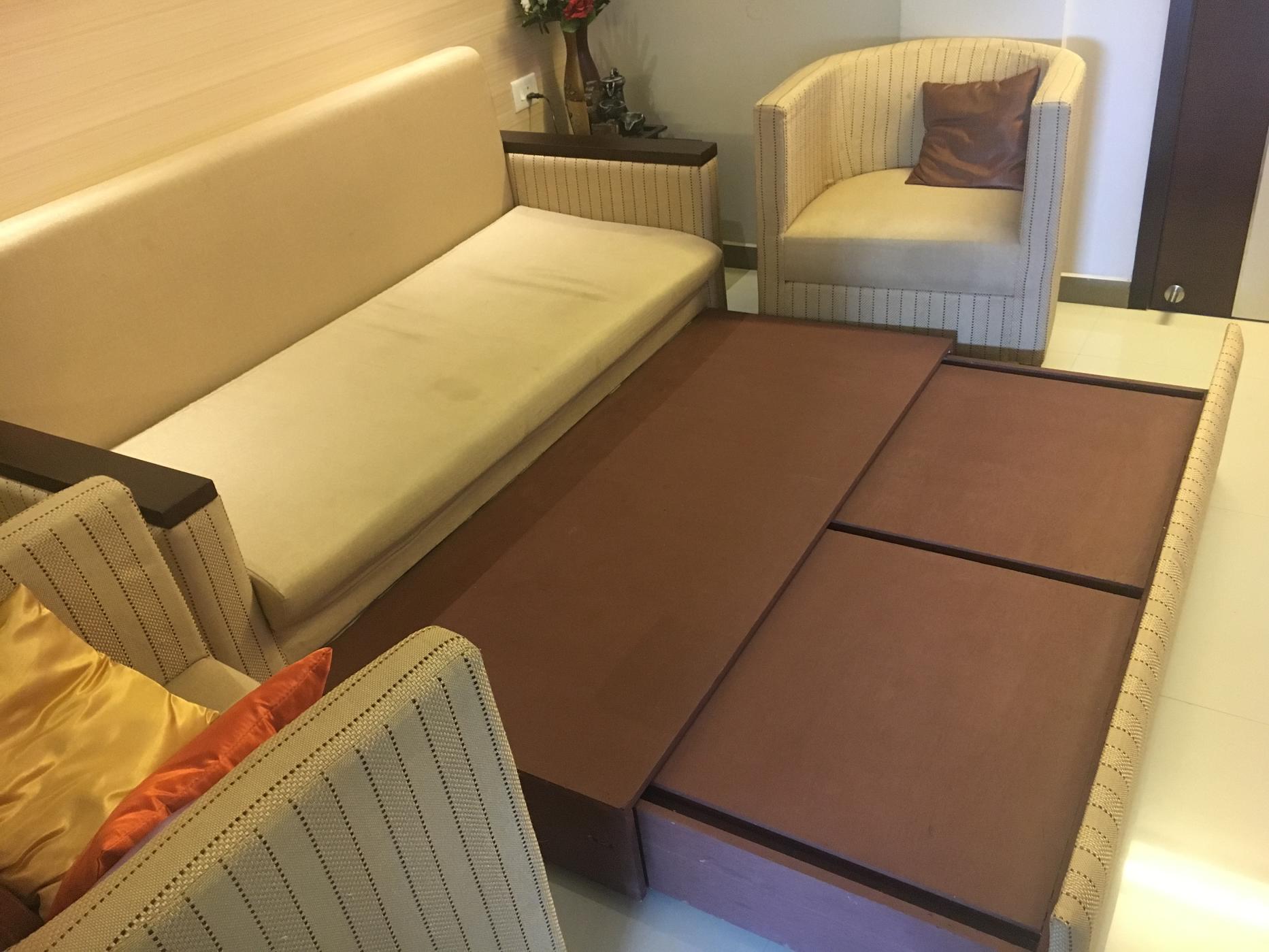
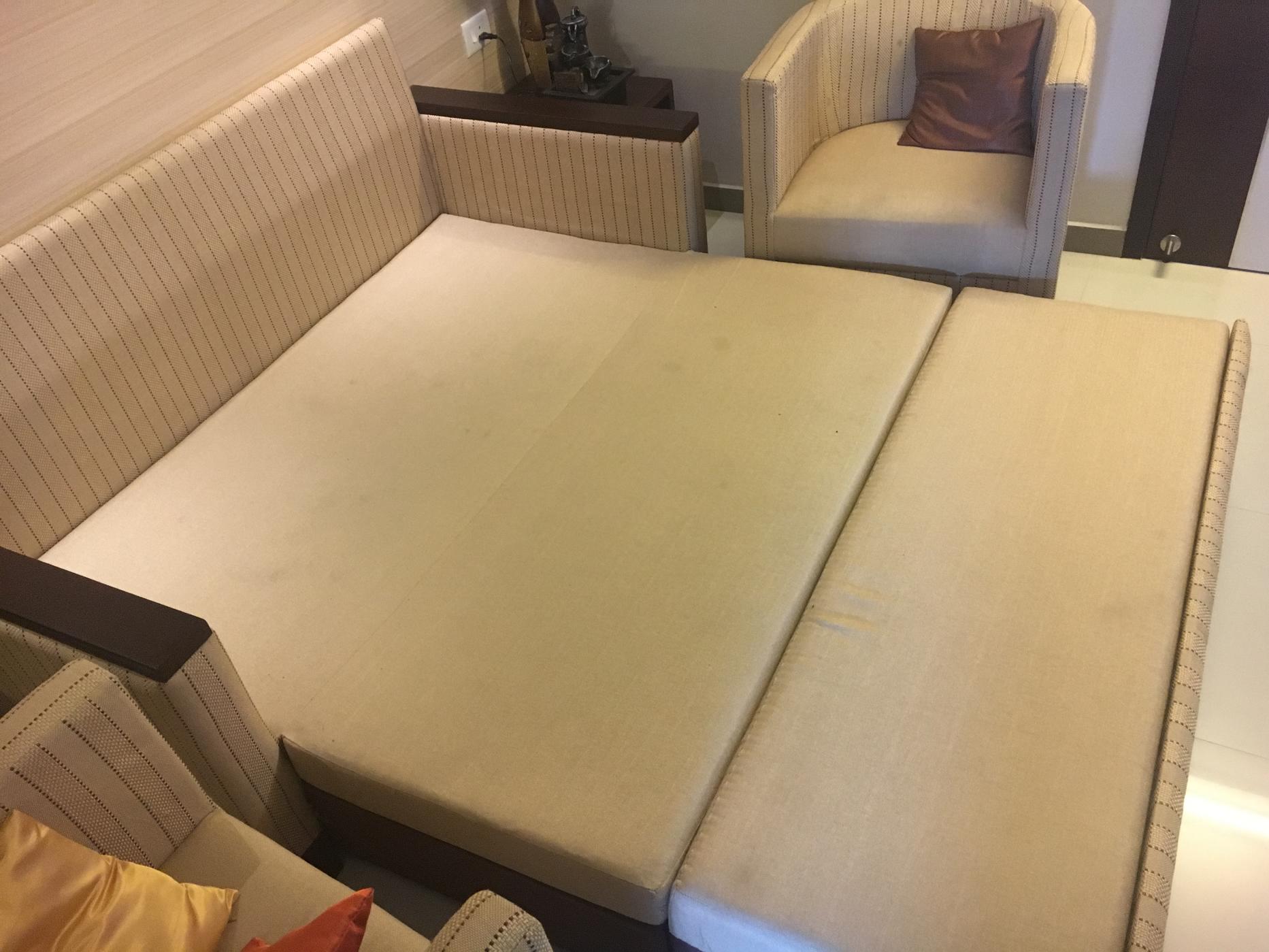
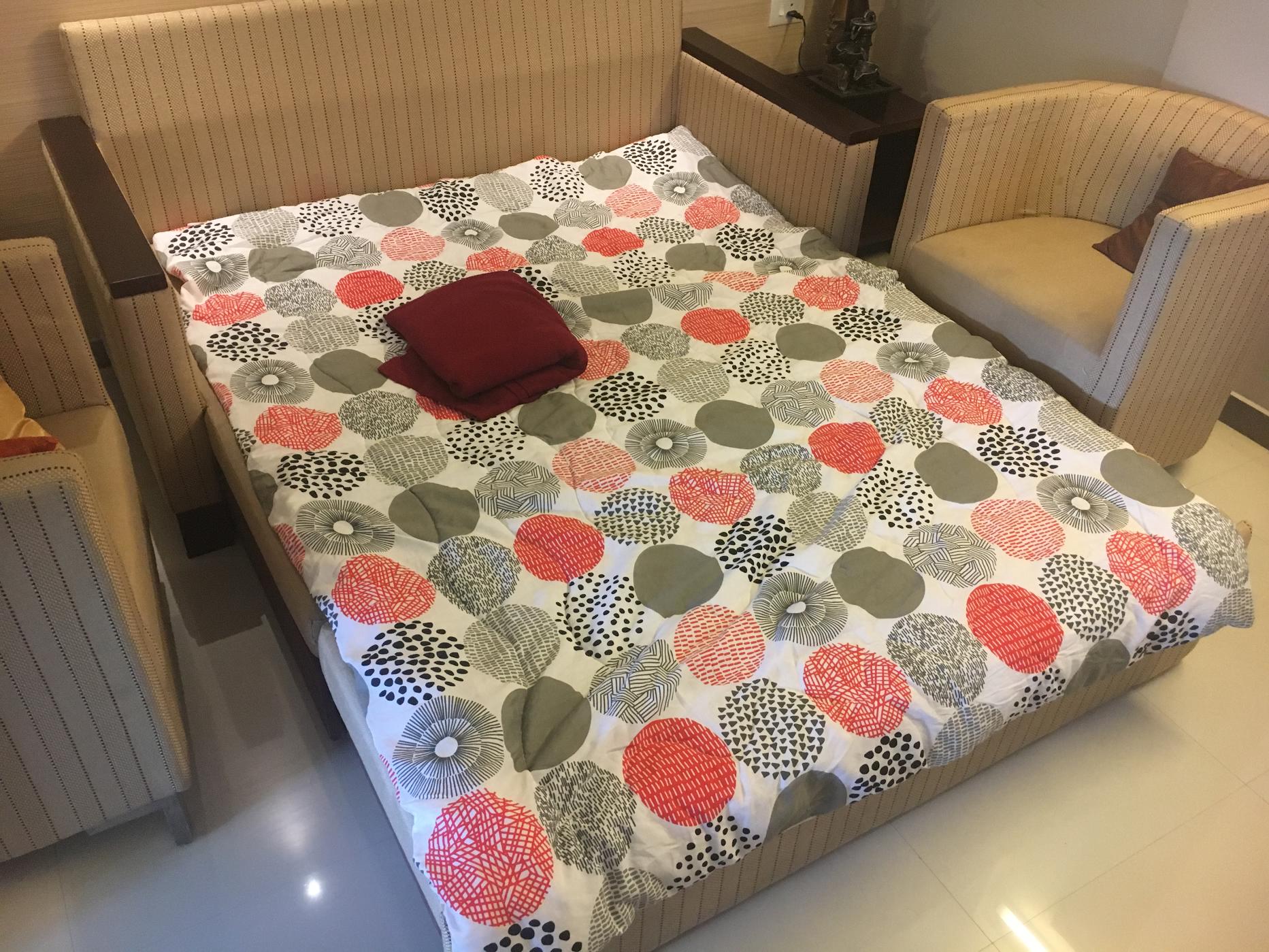
Convert Futon to a bed:
You can convert the futon to a full bed in the living room. An additional duvet and bedsheet is kept inside the bedroom wardrobe:
Once you have reached the apartment, tell the security person that you are Arun (Flat No.C5)'s guest. If you have a booking then the security person will be excpecting you anyway as they will be aware already. If you are arriving in a car, then you can park the car in the ground floor as per the instructions of the security guy.
If
you are checking in between 10 AM and 6 PM IST, then you will meet the
caretaker in the reception. He will give you the key and will ask for a
copy of your ID proof. If you do not have a copy with you at the time
of check-in then you can take a print of it using the copier in the
bedroom. You can also ask the caretaker/security guy to take a copy for you. They will also note down your contact number.
Once the ID proof collection is done, the security guy will accompany you in the lift to the apartment on the 3rd floor. They will open the door for you:
They will enter and switch on the power using the MCB switch inside (near the door):
They will close the MCB board and will leave.
Now I willl take you on a virtual tour here so that you can get used to the apartment! The other intention of this virtual tour is to give you an idea of how to arrange things back at the time of check-out so that everything will be in place for the next guest
Right below the MCB board you can see the shoe rack where you can keep your shoes:
Right on top of the shoe rack you can see the plug adapter (for TV and other equipments) and the PS4 with its controller:
The main switch for the plug adapter and the TV's plug is behind the TV
I have kept an umbrella on the shoe rack which you can use if you need:
The TV will be connected to the Cable TV HD set top box using a HDMI cable:
If you wish to use the PS4 or the Chromecast, then you will find its HDMI plugs right below the TV which you need to connect after removing whichever HDMI is currently connected:
The remote for the TV (Samsung), Home Theater System (Sony) and Cable TV set-top-box (DEN) will be found on the small table in front of the sofa. The Air Conditioner Remote will also be kept here.
To connect the Home Theater System to your smartphone, press the Bluetooth button in the Sony remote after enabling Bluetooth in your phone. Your phone will show up the unit as HT-IV300. Connect to it and it should be paired up in a minute. You can then play music through your smartphone. To connect the PS4 audio, press the TV button in the Sony remote:
The main switch for the AC in the living room is near the dining table on the wall near the bedroom room. It is a main switch and so you have to apply force to switch it on. The AC remote can be used after that to switch the AC on:
Please feel free to open various cupboards in the kitchen to see where various items are placed. Here are some of them:
Cutleries:
Plates:
Induction cooker, Rice cooker, Mircowave:
Cleaning stuff is kept here at the bottom cupboard:
The plastic garbage cover roll is kept here. When emptying the garbage bag from the dust bin, please replace with a new one from this roll:
Once this roll is used up, you can find more rolls kepts in the cupboard in the bedroom.
Please make sure to clear the garbage cover in the kitchen everyday as there is chance for ants to mess up things. The garbage bag has to be taken to the ground floor and the security guy will tell you where to place it:
The switch for refrigerator and chimney can be found behind the microwave:
A water dispenser with purified water is kept in the kitchen near the sink. The water dispenser is refillable and costs Rs.50 per refil which you can get from the security guys or just call the caretaker to bring one.
A water boiler is kept near the sink. This can be used for boiling water to make tea or coffee. Press the transparent switch on the side after switching on the power. It will automatically switch off in a few minutes when the water is boiled:
Hot gloves and plastic washing gloves are also kept near the sink:
The window in the kitchen has a roll-up blinder and you can open it. Please make sure not to open the window if the Air Conditioner is switched ON:
The main switch for the Air Conditioner in the bedroom can be found near the mirror:
The AC remote will be kept near the modem stand beside the desk in the bedroom.
A landphone is available on the desk using which you can make limited local phone calls:
Ironing machine, Hair dryer, air freshner and few other utilitiies like spare toiletories are kept in the cupboard in the bedroom:
Toilet paper rolls, napkins and garbage cover roll stock are also kept in the bedroom cupboard:
An additional comforter and bed sheet is also kept in the bedroom cupboard which you can use if required:
Cloth hangers can be found in the bedroom cupboard:
A4 size sheet paper is also kept in the bedroom cupboard drawer:
Modems are kept beside the desk in the bedroom:
The black wireless router is for AirTel and the white router is for Asianet. AirTel (4 mbps unlimited) will be the default connection that you have to use. In case you need a higher speed connection for temporary purpose or if AirTel is not working then you can use Asianet. Password for both WiFi routers can be found in your Airbnb reservation (check using app or website). By default only AirTel will be connected to power (in the UPS below); so if you want to switch on Asianet then you have to plug in the Asianet router and modem to the UPS.
The UPS will be switched off when you check-in; so you need to switch it on to use WiFi.
(The black modem kept on top of the UPS is the Asianet modem)
A printer + scanner + copier device is kept in the bedroom for your use. It is wireless and so you can connect your laptop or smartphone to it easily through the AirTel WiFi connection. Search for wireless printers in your PC/smartphone after switching it on and it should show up as HP. The device will be kept below.
Note how the tray opens to place paper:
Note: You can take and keep the device on top of the stand if you want, but please make sure that you do not keep the device on its wire as it can jam the printer tray underneath:
The tap in the bathroom which is connected to both the shower and tap has 24/7 hot water supply. For hot water turn to the left side:
CAUTION: Please note that it may take up to 2 minutes for hot water to start flowing; so please do not turn completely to the left side as it can get extremely hot when the hot water starts. A little turn to the left is usually enough for hot water though you may need to wait for a couple of minutes.
Instructions for using the washing machine:
The washing machine is kept in the balcony:
The detergent and softner should be kept on top of the washing machine. If it's not there then please check inside the bedroom wardrobe:
After loading the cloths inside the washing machine, open the detergent tray and put the detergent in it:
Pour softener inside the softener vent:
Switch on the power plug on the wall:
Close the washing machine's main lid and then press the Power button and you will hear a tune:
You can select the Water Level and Program if you want OR leave the default (Medium, Fuzzy). You have to look closely as it's indicator lights are faint:
Now just press the "Start" button and leave it alone as its automatic washing machine. It can take an hour or two and there will be a tune when it ends.
Please note that the washing machine will dry up to 75%. So you have to hang dry the cloths on the terrace upstairs. I have kept a laundry basket beneath the desk in the bedroom in which you can put the cloths and carry upstairs for hanging them:
You can hang your cloths on the terrace at the corner which is right above my apartment:
Clips for hanging your cloths will be in the laundry basket. Please keep all clips back in the basket when you take back the cloths. You can keep the basket upstairs after hanging your cloths and take it when you take back the cloths.
The foldable ironing table is kept between the refrigerator:
Ironing machine will be kept in the bedroom wardrobe:
Convert Futon to a bed:
You can convert the futon to a full bed in the living room. An additional duvet and bedsheet is kept inside the bedroom wardrobe: